Accessora finds the gaps.
The Alt Tags tab lists each image the widget found without alt text, split into Missing, With alt and All.
Missing 12With alt 236All 248
Cookies on Accessora
We'd like to use Google Analytics cookies to see which pages help people. Nothing is set unless you accept. Cookie policy

Accessora finds the images on your pages that have no alt text, drafts an English description for each one, and serves it to screen readers on the next page load. You can edit any of it.
7-day free trial on every plan. One script tag, or the Shopify app.The Alt Tags screen of the dashboard: three product images go from Missing to Generating to AI generated as their captions type in.
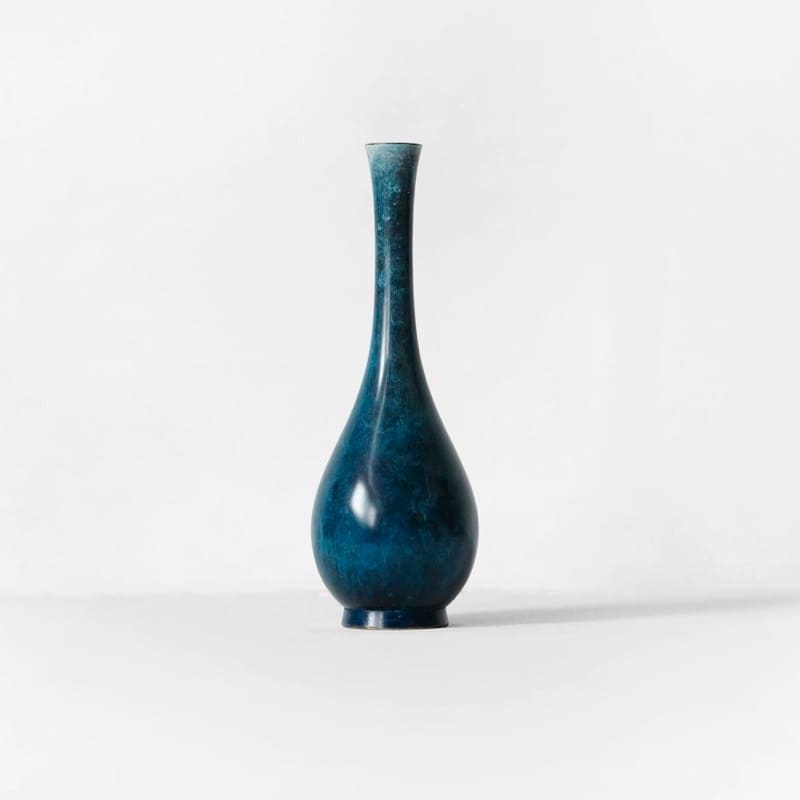 vase-blue-02.jpg800 × 800Add alt text…Generating alt text…Slim blue glazed bud vase standing on a white background.MissingGeneratingAI generated
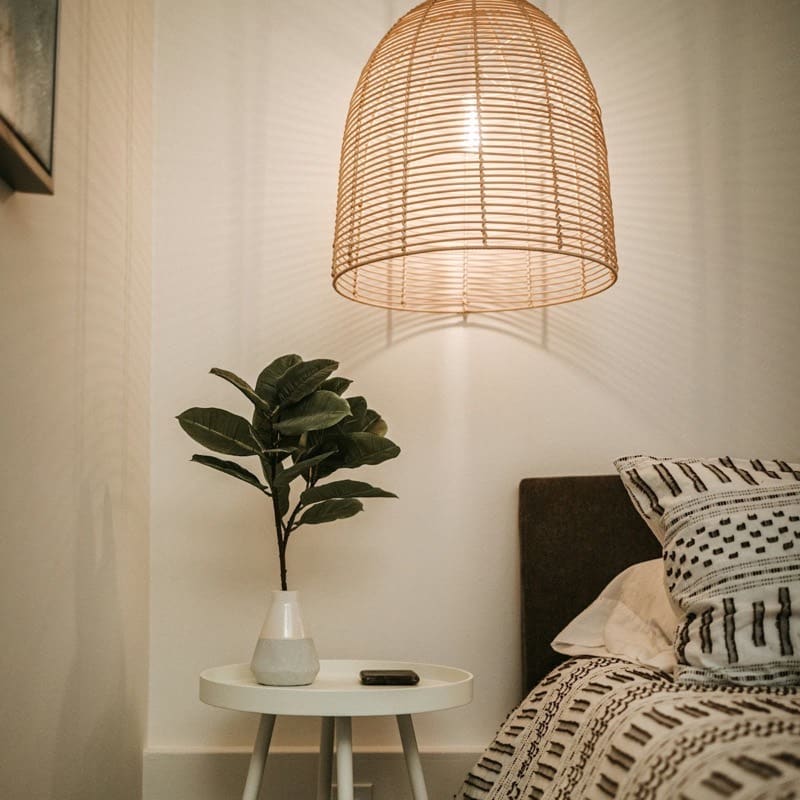 IMG_7781.jpg800 × 800Add alt text…Generating alt text…Rattan pendant lamp glowing above a small white side table with a plant.MissingGeneratingAI generated
 stone-pair.jpg800 × 800Add alt text…Generating alt text…Two matte stone vases resting on a folded linen cloth.MissingGeneratingAI generated
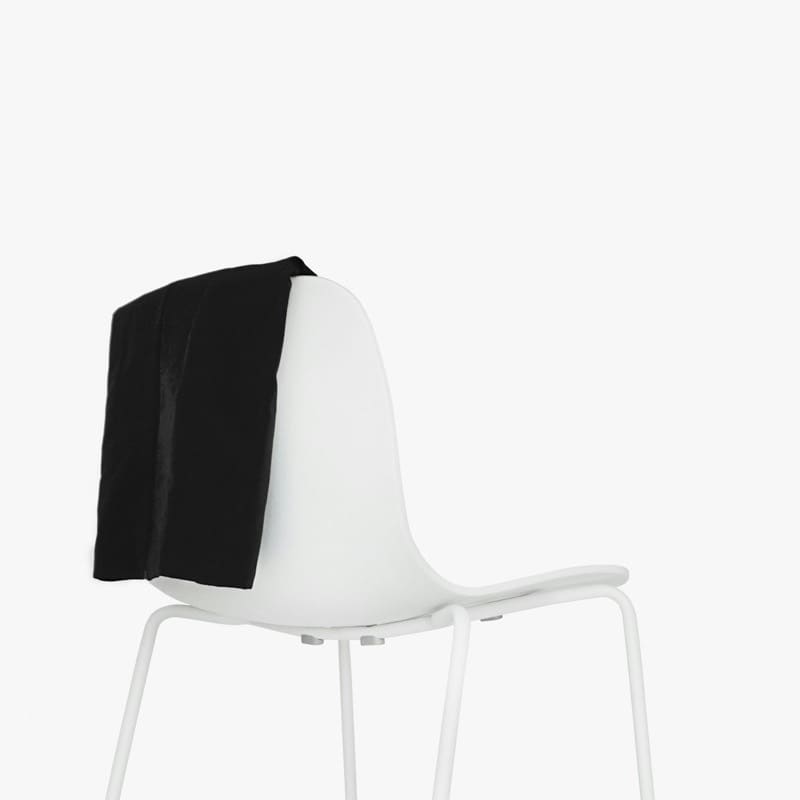 shell-chair.jpg800 × 800
Captions are stored by Accessora and added to the page by the widget, so there is nothing to import or sync.
The Alt Tags tab lists each image the widget found without alt text, split into Missing, With alt and All.
Azure AI Vision drafts an English caption for each new image. Missing rows have a Generate button, and every draft is marked AI generated so you know what to read.
On the next page load the widget writes the caption into the image's alt attribute. Screen readers read it, and your CMS is not touched.
<img src="vase-blue-02.jpg" alt="Slim blue glazed bud vase standing on a white background.">
Edit any caption in place, or write one from scratch. Manual captions get their own status so you can tell them apart from the drafts.
vase-blue-02.jpg800 × 800Slim blue glazed bud vase standing on a white background.Slim blue glazed bud vase, 18 cm, on a white background.SaveSlim blue glazed bud vase, 18 cm, on a white background.AI generatedEditingManualRead the drafts for products where detail sells: color, material, size and what is in the frame. The AI describes what it sees, and a person knows what matters.
An image without alt text is read out as its file name, or skipped. A described one tells the visitor what everyone else can see.
<img src="IMG_7781.jpg">
A screen reader says "IMG underscore 7781 dot jpg".
<img src="IMG_7781.jpg" alt="Rattan pendant lamp glowing above a small white side table with a plant">
A screen reader says "Rattan pendant lamp glowing above a small white side table with a plant".
Quotas reset on the 1st of each month. Each image counts once, wherever it appears. Compare plans.
Images with no alt text on pages where the widget runs, larger than 50 pixels each way, in common formats such as JPG, PNG, GIF and WebP. Each one shows up in the Alt Tags tab with its file name and status.
No. Captions are stored by Accessora, and the widget adds them to the page as it loads. Your product data and theme files are not touched.
English. The widget panel comes in 44 languages, but captions are written in English only. Edit any caption you need in another language.
New captions stop until your quota resets on the 1st of the month. Each image counts once, however many pages it appears on.
Yes. Type into the alt text field on any row and save. Your text gets a Manual status, separate from the AI drafts.
Start a free trial, add the script tag, and the widget shows up on your next page load. Cancel any time during the trial.